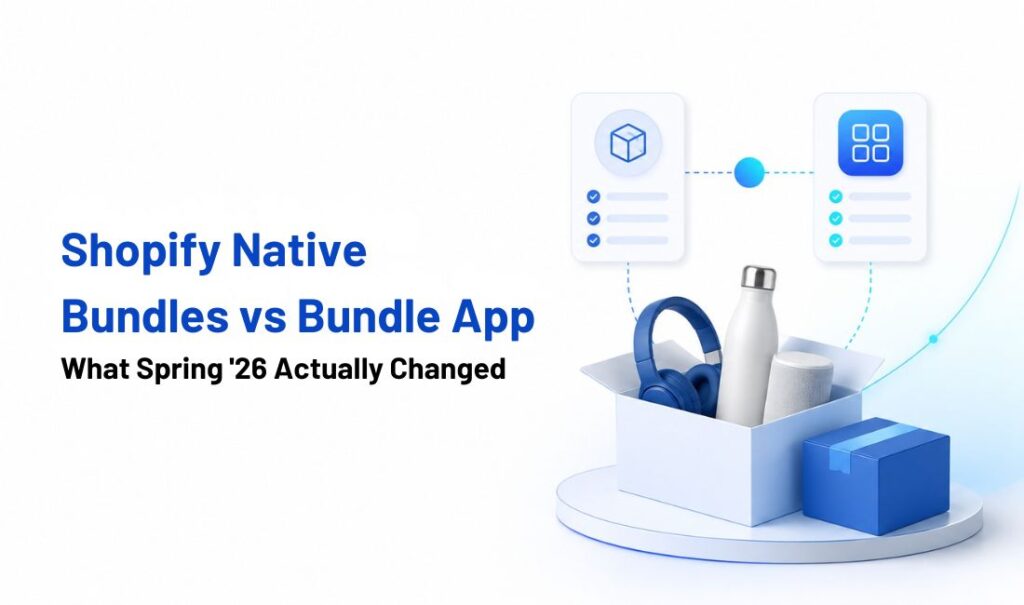
If you’re comparing shopify native bundles vs bundle app options after Spring ’26, the short answer is this: the update expanded where fixed bundles can be discovered. It didn’t change what a bundle can actually do once someone lands on your store. Shopify gave fixed bundles a shot at showing up on Google and YouTube’s shopping surfaces, places a bundle simply wasn’t eligible to appear before. That’s a genuine change worth knowing about if you’re running bundles today. But it’s a distribution change, not a product change.
Mix and match, build-a-box, bundle-specific discount rules, and every native incompatibility that existed before Spring ’26 are all still exactly where they were. So the real question isn’t whether Shopify improved bundles, it’s whether the part that improved has anything to do with what your store actually needs. That depends entirely on how complex your bundle strategy is, not on what Shopify just shipped.
TL;DR
- Shopify expanded where fixed bundles can be discovered, through Google and YouTube’s shopping surfaces. It didn’t change what the native bundle tool can build.
- Mix-and-match and build-a-box bundles still require a compatible third-party app or a custom Shopify Plus build.
- Advanced bundle-specific rules, like tiered pack pricing, selection limits, or quantity-break displays, generally require an app too.
- Bundles still can’t include subscriptions or pre-orders, can’t be bulk edited or imported, and a component SKU change means deleting and rebuilding the entire bundle from scratch.
- If your bundle strategy is a simple fixed set, the native app plus the new channel reach might genuinely be enough now.
- If it’s anything more flexible than that, Spring ’26 doesn’t change your answer at all.
Tabla de contenido
What Shopify’s Spring 2026 Bundle Update Actually Changed
Shopify’s Spring ’26 update expanded where fixed bundles can be published. Eligible fixed bundles can now appear across Google’s shopping surfaces and YouTube through the Google & YouTube sales channel. Shopify also announced distribution for preconfigured bundles across Facebook and Instagram.
The update changed bundle discovery, not bundle functionality. Shopify’s native tool still supports fixed bundles and multipacks, while mix-and-match bundles remain a different setup that requires a compatible third-party app or a custom Shopify Plus implementation.
YouTube support also has one limitation: shoppers cannot complete an in-app checkout for bundle products. They are redirected to the merchant’s online store to finish the purchase.
So, the practical change is simple: fixed bundles can reach more shoppers, but the way merchants create and manage those bundles remains the same.
Shopify Native Bundles vs Bundle App: Which One Do You Need Now?
Here’s the real decision, broken down by what your store actually needs rather than by feature checklists.
| Store need | Shopify Native Bundles | Bundle app |
| A small number of fixed gift sets or starter kits | Good fit | Usually unnecessary |
| Fixed products and quantities in every bundle | Supported | Supported by many apps |
| Customers choose products or variants | Not supported | Use a mix-and-match app |
| Build-a-box experience | Not supported | Supported by compatible apps |
| Tiered bundle pricing or quantity breaks | Limited | Supported by many apps |
| Minimum or maximum selection rules | Not supported in Shopify Bundles | Supported by compatible apps |
| Subscriptions or pre-orders | Not supported | Depends on the app and subscription integration |
| Frequent bundle updates or many bundle campaigns | Manual management can become time-consuming | May offer more flexible management tools |
| Component SKU changes | Bundle must be deleted and recreated | Handling varies by app |
| Google & YouTube distribution | Available for eligible fixed bundles | Depends on how the app creates bundles |
| Seasonal or expanding bundle strategy | May become limiting over time | Better for flexible growth |
| Best choice | Simple, fixed bundles with limited management needs | Flexible, customer-built, or rule-based bundle experiences |
Bottom line: Choose Shopify Native Bundles for a few simple fixed sets. Choose a compatible bundle app when customers need to build their own bundles, follow selection rules, or receive bundle-specific quantity pricing.
Paquete PushBundle covers the mix and match, build-a-box, and rule-based discounting side of that list, which is exactly the territory Spring ’26 didn’t touch. If your bundle strategy is still a fixed set for now, there’s no rush to add an app just because one exists. The two aren’t competing for the same job.
What Didn’t Change: Shopify Native Bundle Limitations
Shopify’s Spring ’26 update expanded where fixed bundles can be published. However, it didn’t change the native bundle limitations. Native bundles still support fixed bundles and multipacks only. Mix-and-match, BOGO, and build-a-box setups require a compatible third-party app or a custom Shopify Plus implementation.
Beyond those merchandising gaps, merchants should also consider several operational restrictions that remain unchanged:
- No subscriptions or pre-orders. Shopify bundles aren’t compatible with purchase options, including subscriptions, pre-orders, and try-before-you-buy. If recurring purchases are part of your bundle strategy, native bundles won’t support that setup.
- No bulk editing. Bundles can’t be bulk edited, imported, or exported like regular products. Each bundle must be created and maintained individually in the Shopify admin.
- SKU changes require rebuilding. A bundle has its own SKU, separate from the SKUs of its component products. If a component SKU changes, the bundle must be deleted and recreated.
- No dedicated shipping profile. Bundles don’t have their own shipping profile. Shipping rates are calculated from the products inside the bundle, which can become harder to manage when components have different weights or shipping profiles.
- No bundles inside bundles. A bundle can’t include another bundle as one of its components, so nested or layered bundle structures aren’t supported.
These restrictions don’t make Shopify Bundles a poor option. For a small number of simple fixed sets, the free native tool may be enough. The real question is whether your bundle strategy requires more flexibility than a fixed bundle can provide.
How Shopify Bundles Handle Inventory, Orders, and Returns
Choosing between Shopify Native Bundles and a bundle app is not only about what customers can build. Merchants also need to consider how bundles affect inventory and order management behind the scenes.
With Shopify Native Bundles, availability is calculated from the inventory of the individual products inside the bundle. Shopify divides each component’s available stock by the quantity required for one bundle, then uses the lowest result as the number of complete bundles that can still be sold.
For example, imagine a gift set containing two candles and one diffuser. If the store has 10 candles and eight diffusers available, it can sell only five complete bundles because each bundle requires two candles. Component inventory updates in real time as bundles or individual products are purchased. Shopify also notes that its Bundles app tracks overall inventory rather than bundle inventory by individual location.
Orders are displayed as a grouped bundle containing the bundle title, price, and individual components. However, the component products may appear as separate line items during split fulfillment, returns, or exchanges. This matters when warehouse teams need to pick products individually or when a customer returns only part of a bundle.
A third-party bundle app may provide additional inventory syncing, cart presentation, or campaign-management options, but the exact behavior varies by app. PushBundle, for example, supports synchronized component inventory and can present selected bundle products as one bundle in the cart.
Before choosing an app, merchants should therefore check:
- whether component inventory updates automatically;
- how the bundle appears in the cart and order admin;
- whether fulfillment teams can identify each component;
- how partial returns are handled;
- and whether inventory works correctly across multiple locations.
For stores selling only a few fixed sets, Shopify’s native inventory handling may be enough. Stores running customizable boxes, larger bundle catalogs, or more complex fulfillment workflows should test these operational details before choosing a bundle solution.
Conclusión
When you weigh Shopify native bundles vs bundle app options after Spring ’26, the update is worth using if you’re running fixed bundles. It’s free, it expands where fixed bundles can be discovered through Google and YouTube, and there’s no reason to skip it. But it doesn’t change whether you need an app. Native bundles are still the right call for a small number of simple, fixed sets with no subscription components. A bundle app is still the right call the moment you need customer-chosen combinations, bundle-specific discount logic, or a bundle strategy that doesn’t fall apart every time a SKU changes.
Shopify Native Bundles vs Bundle App: FAQ
Does Shopify’s native bundle app work with subscriptions?
No. Bundles aren’t compatible with purchase options, which includes subscriptions, pre-orders, and try-before-you-buy. This applies regardless of the Spring ’26 update, since that update only affected channel distribution for fixed bundles.
Can I bulk edit or import bundles in Shopify?
No, native bundles don’t support bulk editing, importing, or exporting. Each bundle has to be created and maintained individually in the Shopify admin.
Why does changing a bundle’s component SKU mean rebuilding the whole bundle?
Shopify assigns the bundle its own SKU, separate from its component SKUs. Shopify’s current documentation states that when a component’s SKU changes, the bundle must be deleted and recreated.
Does the Spring ’26 Google and YouTube update apply to mix and match bundles?
No, the update only covers fixed bundles. Mix and match bundles, where customers choose their own components, aren’t eligible for the Google & YouTube sales channel.
Can a Shopify bundle contain another bundle as one of its components?
No, bundles can’t be nested inside other bundles. Each bundle has to be built from standard products or variants, not from other bundle products.

Blogs destacados publicaciones
23 de julio de 2026
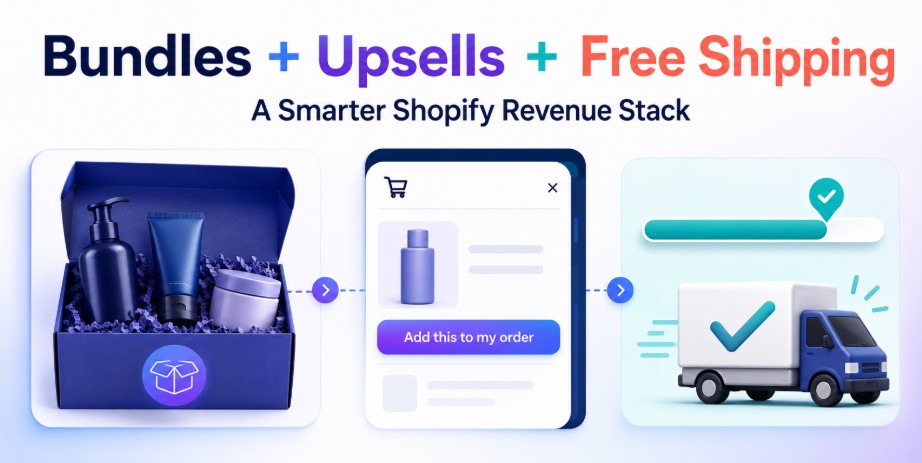
Cómo combinar paquetes de productos, ventas adicionales en el carrito y objetivos de envío gratuito para aumentar los ingresos de Shopify.
22 de julio de 2026
Las 5 mejores aplicaciones alternativas a Fast Bundle para Shopify que debes probar en 2026.
9 de julio de 2026
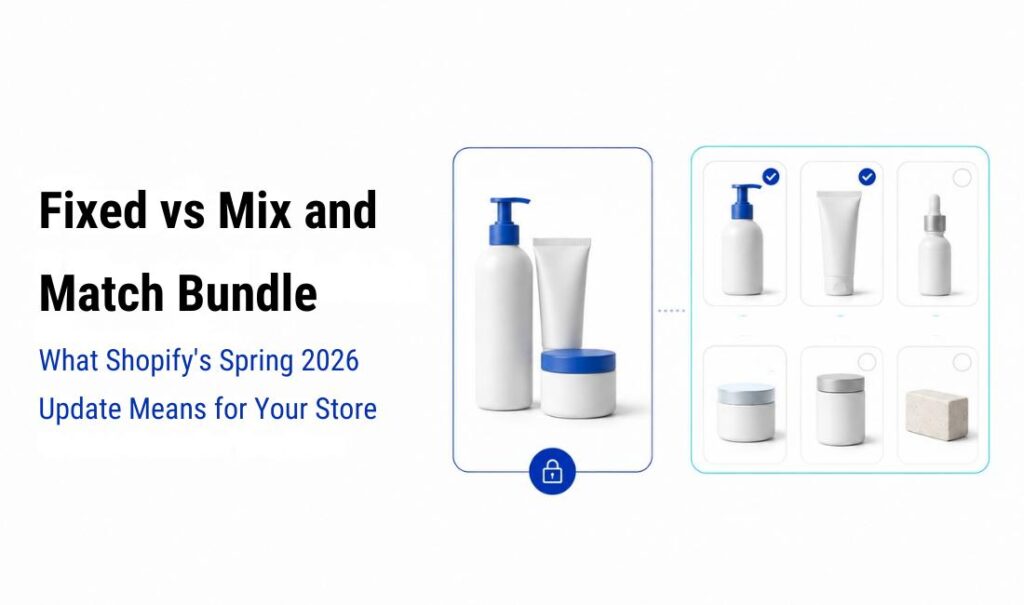
Paquete fijo frente a paquete combinado: qué significa la actualización de primavera de 2026 de Shopify para tu tienda.

30 de junio de 2026

 Español
  English
  日本語
日本語  Français
  Deutsch
  简体中文
简体中文  Italiano