
Rebolt vs PushBundle: Here's the Honest Breakdown in 2026
Choose Rebolt if you want a full pre to post purchase upsell funnel with A/B testing. Choose PushBundle if you run wholesale alongside retail and want MOQ rules built directly into bundle setup.
Table of contents
- About This Comparison
- What Rebolt and PushBundle Both Do
- Rebolt vs PushBundle: Feature-by-Feature Comparison
- Where Rebolt Wins
- Broader Upsell Funnel
- Built-in A/B Testing
- A Much Larger Review Base
- Where PushBundle Wins
- More Explicit MOQ and Quantity Controls
- Stronger Fit for B2B and Wholesale Bundle Workflows
- Lower Growth-Plan Price
- Built for Shopify Recognition
- Why Merchants May Switch to PushBundle
- 1. You Need Minimum Order Rules Inside the Bundle
- 2. Your Products Have Lots of Variants
- 3. You Sell B2B and DTC From the Same Store
- 4. You Want Bundling Without Paying for a Broader Funnel Tool
- When Rebolt May Be the Better Fit
- When PushBundle May Be the Better Fit
- How to Choose Between Rebolt and PushBundle
- Rebolt vs PushBundle: Final Verdict
- Ready to Test PushBundle Against Your Real Store Setup?
- FAQs
- Is PushBundle cheaper than Rebolt?
- Does Rebolt support wholesale bundles?
- Does Rebolt support MOQ rules?
- Which app is better for Shopify Plus?
- Does PushBundle support Build Your Own Bundle?
- Can I move from Rebolt to PushBundle?
Choosing between Rebolt and PushBundle becomes easier once you stop asking which app has more features and start asking which one is better suited to the way your store sells.
There is real revenue behind getting that strategy right.
Data from McKinsey shows that targeted cross-selling and category-penetration techniques helped one retailer increase yearly sales by about 20% and annual EBITDA by roughly 30%. That was one retailer rather than a universal bundling benchmark, but it shows how much better product-promotion and cross-selling decisions can influence revenue.
Rebolt is a strong Shopify app with a much larger review history and a broad feature set. PushBundle takes a more focused route, putting flexible bundle building, quantity controls, and wholesale-oriented requirements closer to the center of the product.
About This Comparison
This comparison was last checked on August 12, 2026.
PushBundle information was verified against its current Shopify App Store listing. Rebolt information was checked against its Shopify App Store listing and official website. Features, pricing, ratings, and plan details can change, so merchants should confirm the latest information before installing either app.
There is one important rule behind this comparison: if a feature is not clearly documented for an app, that does not automatically mean the feature does not exist. Where appropriate, this article uses wording such as “not prominently documented” instead of assuming “No.”
What Rebolt and PushBundle Both Do
There is substantial overlap between these apps.
Both currently support Shopify bundle use cases including:
Mix-and-match bundles
Variant bundles
Build-a-box experiences
Wholesale bundles
Volume discounts or quantity breaks
Cross-sell offers
Fixed-price bundle options
Shopify POS compatibility
So this is not a comparison between an app that “does bundles” and one that does not. Both are capable bundle apps. The more meaningful differences appear when you look at quantity control, B2B workflows, upsell depth, testing, and pricing.
Rebolt vs PushBundle: Feature-by-Feature Comparison
Feature | PushBundle | Rebolt |
Starting option | Free Starter plan | Free until $300 in bundle revenue |
Growth plan | $14/month | $19.99/month |
Mix-and-match bundles | Yes | Yes |
Build-a-box | Yes | Yes |
Variant bundles | Yes | Yes |
Wholesale bundles | Yes | Yes |
Volume discounts / quantity breaks | Yes | Yes |
Order minimums / MOQ | Explicitly documented | Not prominently documented on current listing |
Min/max quantity controls | Yes, Growth | Not prominently documented on current listing |
Variant limits | Yes, Growth | Variant bundles supported; comparable limits not prominently documented |
Customer eligibility rules | Yes, explicitly documented | Not clearly documented as customer eligibility |
Cross-sell bundles | Yes | Yes |
Post-purchase upsells | Not listed as a current PushBundle feature | Yes |
Checkout upsells | Not listed as a current PushBundle upsell feature | Yes |
A/B testing | Not listed | Yes |
Funnel/conversion analytics | Bundle views, sales, customer engagement, and offer performance analytics | CTR, conversion rates, recommendation performance, optimization suggestions, and funnel performance |
Shopify App Store rating | 4.9/5 - 13 reviews | 4.8/5 - 546 reviews |
PushBundle's current listing explicitly documents order minimums, B2B and wholesale use cases, and Growth-plan min/max quantity and variant limits. Rebolt's listing documents wholesale bundles, bulk pricing, post-purchase and checkout offers, A/B testing, funnel analytics, and a considerably larger review base.
Where Rebolt Wins
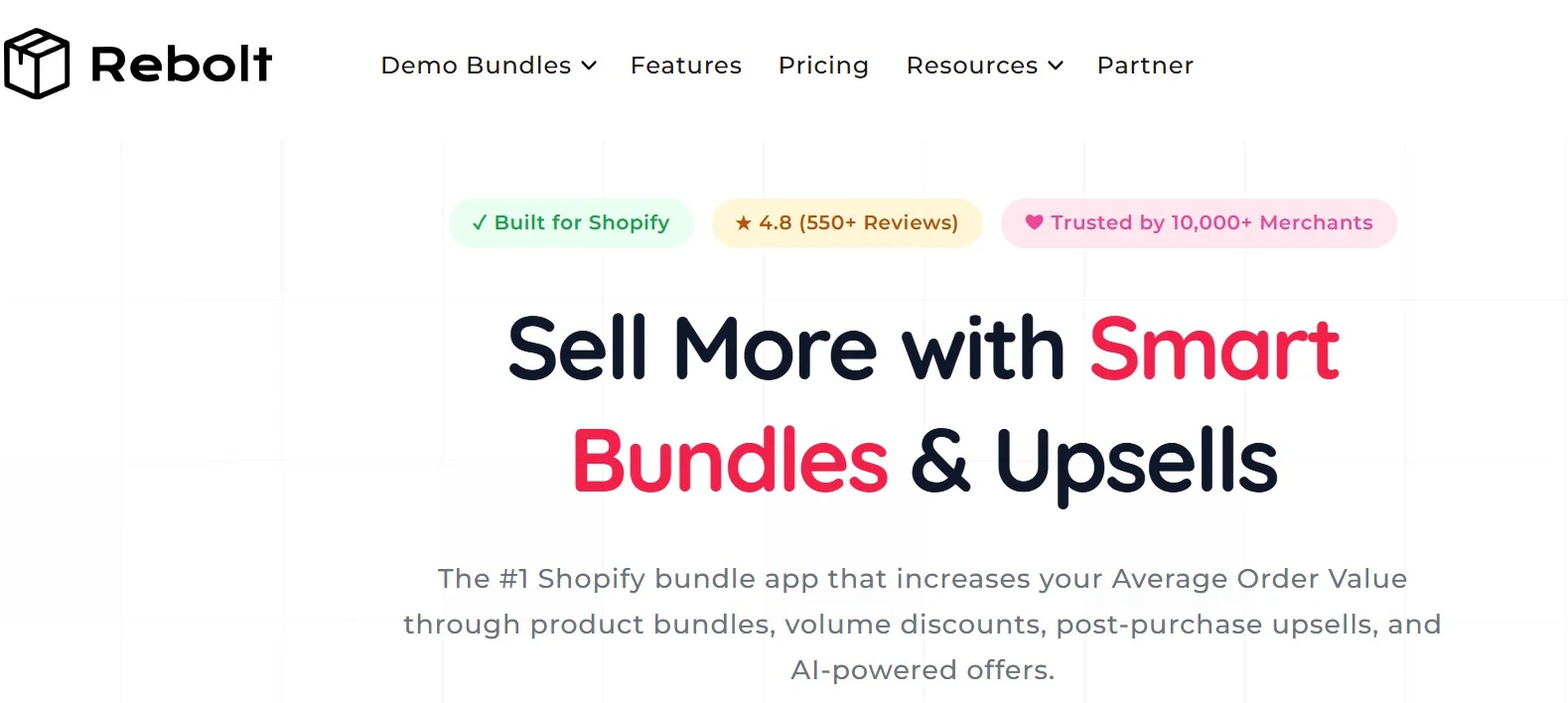
Rebolt deserves credit where it is stronger.
Broader Upsell Funnel
Rebolt goes beyond product bundling into product-page upsells, cart upsells, checkout offers, and post-purchase offers.
That makes it more suitable for merchants who want one app involved at several points in the customer's purchase journey rather than primarily focusing on bundle creation.
Built-in A/B Testing
Rebolt currently lists A/B testing alongside conversion rates, click-through rates, recommendation performance, optimization suggestions, and funnel performance.
For merchants who regularly test different offers, layouts, or discount strategies, this gives Rebolt a clear advantage.
A Much Larger Review Base
Rebolt currently holds a 4.8/5 rating from 546 Shopify App Store reviews, compared with PushBundle's 4.9/5 from 13 reviews.
PushBundle has the slightly higher rating, but Rebolt has far more merchant feedback available to evaluate. That matters if a long public track record is one of your main criteria.
Where PushBundle Wins
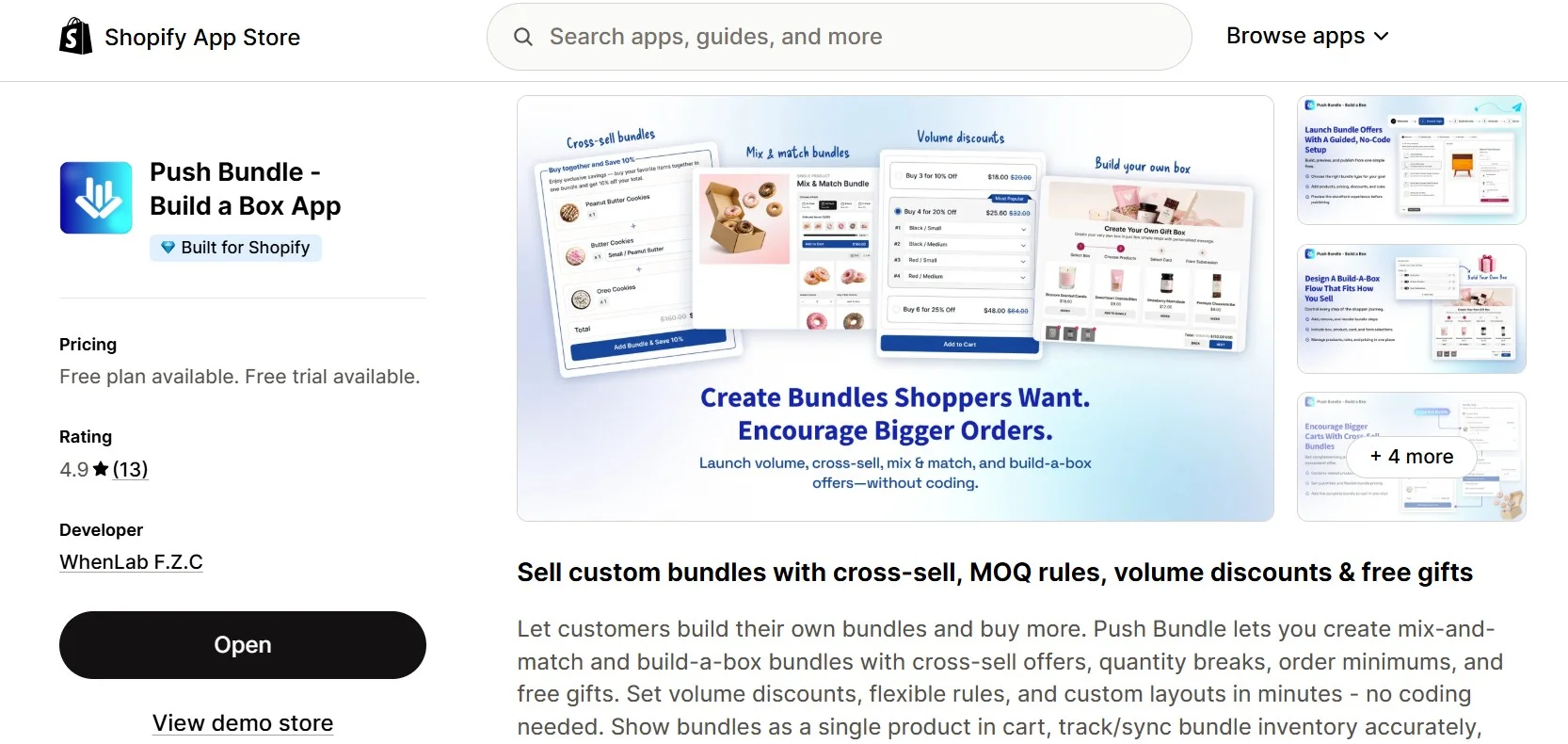
The picture changes when bundling itself needs more structured quantity and wholesale controls.
More Explicit MOQ and Quantity Controls
PushBundle's Shopify listing specifically calls out MOQ rules, order minimums, quantity breaks, min/max quantities, and variant limits.
These are not side details when you sell wholesale.
A B2B merchant may need a buyer to choose at least 12 products, stay below a maximum quantity, or follow restrictions at the variant level while still building a mixed bundle.
PushBundle puts those controls directly into its bundle-focused feature set.
Stronger Fit for B2B and Wholesale Bundle Workflows
Rebolt does support wholesale bundles and bulk pricing, so it would be inaccurate to say that Rebolt cannot serve wholesale stores.
The difference is emphasis.
PushBundle's current listing explicitly positions the app for DTC and B2B wholesale stores and combines wholesale bundles with order minimums, wholesale pricing, quantity rules, customer eligibility, and variant-level controls.
That makes PushBundle particularly compelling when the merchant's problem is not simply:
“How do I discount more products?”
but:
“How do I let wholesale customers build a bundle while still controlling how much and what they can order?”
Lower Growth-Plan Price
At the current paid Growth-plan level, PushBundle costs $14/month, while Rebolt's Growth plan costs $19.99/month.
That does not automatically make PushBundle cheaper for every merchant because both apps have different free entry options.
But for a merchant comparing the paid Growth tiers, PushBundle currently costs $5.99 less per month.
If your priorities are bundle building, quantity rules, customer eligibility, and wholesale workflows rather than post-purchase upsells and A/B testing, that difference becomes more meaningful.
Built for Shopify Recognition
PushBundle currently carries Shopify's Built for Shopify badge on its App Store listing, which Shopify describes as meeting its highest standards for performance, design, and integration.
Why Merchants May Switch to PushBundle
Switching bundle apps should not be about chasing a longer feature list. It should solve a specific problem.
PushBundle becomes especially interesting when those problems look like these.
1. You Need Minimum Order Rules Inside the Bundle
Suppose a wholesale buyer is allowed to choose any combination of products but must purchase at least 24 units.
A standard mix-and-match interface is only half the solution.
You also need the ordering rule.
PushBundle combines the bundle-building experience with order minimums and min/max quantity controls, making that type of workflow easier to structure in one place.
2. Your Products Have Lots of Variants
Fashion, beauty, food, supplements, and other catalogs can involve multiple sizes, colors, flavors, scents, or pack options.
PushBundle supports variant bundles and specifically lists variant limits on its Growth plan.
For merchants who need more control over what buyers can select while building a bundle, that can be more relevant than having additional post-purchase features.
3. You Sell B2B and DTC From the Same Store
A retail shopper might want to build a small personalized box.
A wholesale buyer may need minimum quantities and different ordering rules.
PushBundle is explicitly positioned around both DTC and B2B wholesale use cases, making it a strong candidate for stores where those purchasing behaviors need to coexist.
4. You Want Bundling Without Paying for a Broader Funnel Tool
Not every merchant needs checkout upsells, post-purchase offers, and A/B testing.
Those are legitimate Rebolt strengths.
But if your main requirement is building flexible bundles with quantity and wholesale controls, PushBundle's $14 Growth plan may provide a more focused fit than paying $19.99 for Rebolt's Growth tier.
When Rebolt May Be the Better Fit
Rebolt may be the better choice if:
You want bundling, cart upsells, checkout upsells, and post-purchase offers in one system.
You actively A/B test bundle offers or layouts.
Funnel analytics and conversion optimization are a major part of your strategy.
You run Shopify Plus and specifically want checkout-stage upsells.
A large existing review history is important to your app-selection process.
Rebolt's current listing and website document all of these broader upsell and optimization capabilities.
When PushBundle May Be the Better Fit
PushBundle may be the better choice if:
You run wholesale or B2B alongside retail.
MOQ or order minimums are important.
You need min/max bundle quantities.
You need variant-level limits.
You want customers to build their own product combinations.
You need customer eligibility rules.
You want a lower-priced paid Growth plan.
Your priority is flexible bundle construction rather than a full post-purchase upsell funnel.
Those differences are where PushBundle's more focused approach becomes an advantage rather than a limitation.
How to Choose Between Rebolt and PushBundle
Start with the offer you actually need to build.
If your requirement looks like:
“Customers need to choose their own products, but wholesale buyers must meet minimum and maximum quantities, and I need tighter control over variants,”
start with PushBundle.
If your requirement looks like:
“I want to bundle products, test different offers, upsell inside checkout, and make another offer after the initial purchase,”
start with Rebolt.
Then build one real offer in the app before migrating everything.
Use the same products, variants, quantities, discounts, and customer journey that shoppers will actually experience.
Check:
Product page → Bundle selection → Cart → Discount → Checkout
A real workflow test will tell you more about fit than another hour spent comparing feature lists.
Rebolt vs PushBundle: Final Verdict
Rebolt and PushBundle overlap considerably, but they are strongest in different places.
Rebolt wins on funnel breadth. Its post-purchase offers, checkout upsells, A/B testing, advanced analytics, and larger review base make it the stronger option for merchants trying to manage a wider AOV and conversion strategy from a single app.
PushBundle wins when the bundle itself needs more structure. Its explicit order minimums, min/max quantity rules, variant limits, customer eligibility options, B2B/wholesale positioning, and lower Growth-plan price make it particularly well suited to merchants who need flexible bundling without losing control over how customers order.
So which should you choose?
Choose Rebolt when checkout/post-purchase upselling and experimentation are central to your strategy.
Choose PushBundle when B2B, wholesale, quantity-controlled, or build-your-own bundling is the problem you are actually trying to solve.
For a broader look at other options, see our best Shopify bundle apps comparison.
Ready to Test PushBundle Against Your Real Store Setup?
Don't choose PushBundle because a comparison page tells you to.
Choose one bundle your store actually needs, recreate it in PushBundle, and test the full buying journey.
If your store depends on mix-and-match bundles, Build Your Own Bundle, quantity rules, variant limits, or B2B and wholesale ordering, that test should make the difference between PushBundle and a broader upsell app much easier to see.
FAQs
Is PushBundle cheaper than Rebolt?
At the current paid Growth-plan level, yes. PushBundle's Growth plan is $14/month, while Rebolt's is $19.99/month. Both also have free entry options, but those options work differently.
Does Rebolt support wholesale bundles?
Yes. Rebolt's current Shopify App Store listing includes wholesale bundles and bulk pricing. PushBundle also supports wholesale bundles, while more prominently documenting order minimums and Growth-plan min/max quantity and variant controls.
Does Rebolt support MOQ rules?
Rebolt supports wholesale bundles, quantity breaks, and bulk pricing. However, dedicated MOQ/order-minimum controls comparable to the ones explicitly documented by PushBundle are not prominently stated on Rebolt's current public listing. That should be treated as not publicly verified, rather than automatically assuming the capability is absent.
Which app is better for Shopify Plus?
It depends on the use case. If you specifically want checkout-stage upsells, Rebolt is the stronger fit because it documents checkout upselling for Shopify Plus. If your Shopify Plus store primarily needs B2B/wholesale bundle building, quantity rules, and variant controls, PushBundle may be the more direct fit.
Does PushBundle support Build Your Own Bundle?
Yes. PushBundle's Growth plan includes multi-product Build Your Own Bundle, Build-a-Box and Mix & Match bundles, and a multi-step BYOB bundle builder.
Can I move from Rebolt to PushBundle?
You can evaluate PushBundle without moving every offer at once. Recreate one important bundle first, test its products, quantities, discounts, cart behavior, and checkout experience, and then decide whether to migrate the rest.
Because apps store and configure bundle logic differently, merchants should not assume that every configuration will transfer automatically between bundle apps.
Reviewed for accuracy
This article was reviewed by the PushBundle Technical Support Team, who regularly helps Shopify merchants test bundle setup, product selection rules, bundle pricing, cart behavior, and checkout-related bundle issues.
About the author

Anika Anamta Mehnaz
PushBundle Contributor
This article is written by Anika Anamta Mehnaz, a Content Writer and Content Marketing Strategist specializing in Shopify, eCommerce, and SaaS. With over four years of content writing experience, she creates SEO and AI search-optimized content that helps Shopify merchants make better business decisions through practical, research-backed insights. Her work covers Shopify apps, product variants, bundles, discounts, B2B commerce, and conversion-focused strategies. Outside of work, Anika enjoys watching anime, reading John Grisham novels, and discovering new ideas in digital marketing and e-commerce. If you enjoy discussing Shopify, content marketing, or online growth, feel free to connect with her. Twitter: https://x.com/mehnaz2201 Medium: https://medium.com/@mehnaz_78932


