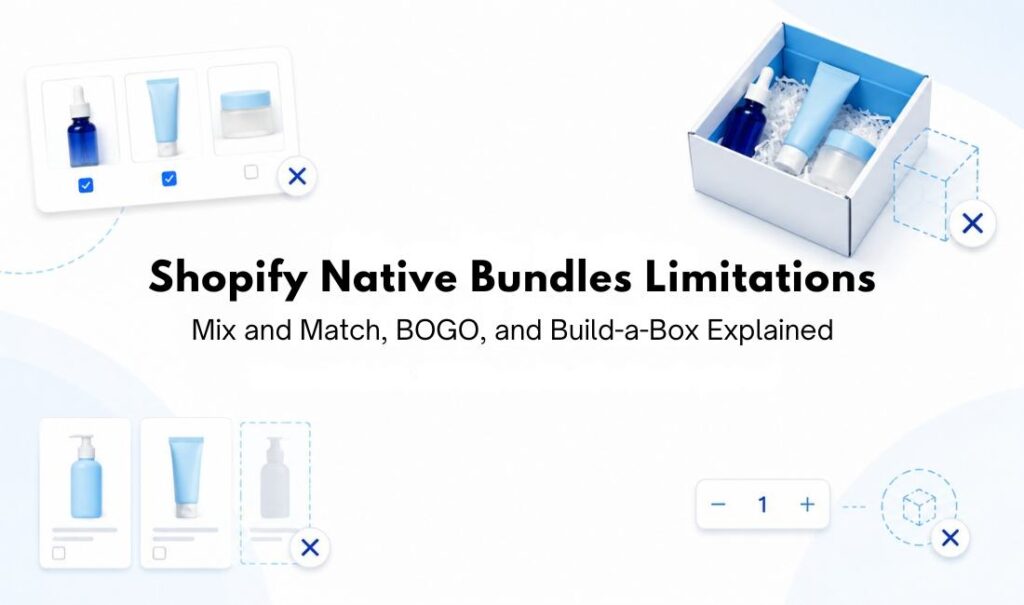
Most merchants find out about Shopify native bundles limitations the hard way: halfway through setting something up, the option they need just isn’t there. Maybe you went looking for a “let customers pick any 3” setting in the Bundles app and couldn’t find one. Maybe your BOGO discount is live, but nobody’s noticing it because it’s invisible until checkout. Shopify’s native tools cover more than people expect for fixed bundles and basic BXGY, but mix and match, build-a-box, and anything involving customer choice run into real limits. Here’s what’s actually going on in each case, with the specifics.
- Shopify’s free Bundles app handles fixed bundles and multipacks well, but caps out at 30 components for fixed bundles, 3 options, and 100 variants total per bundle.
- True mix and match, where shoppers pick their own items from a pool, isn’t part of the free Bundles app and needs a third-party app or a custom build on Plus.
- Native Buy X Get Y discounts work for basic BOGO, but the free item doesn’t auto-add to cart, and the offer often doesn’t show on the product page at all.
- Build-a-box runs into the same gap as mix and match, since Shopify has no native customer-filled box builder.
Sommario
What Shopify Bundles Can’t Do
| Bundle Type | What Shopify Handles Natively | Where It Stops |
|---|---|---|
| Fixed bundles & multipacks | Free Shopify Bundles app, automatic inventory sync, up to 30 components (150 for dynamic bundles) | Capped at 3 options and 100 variants total; Online Store/Headless only |
| Mescola e abbina | Not supported by the free Bundles app | Requires a third-party app, or a custom build on Shopify Plus |
| BOGO / Buy X Get Y | Native discount codes and automatic discounts for single-rule offers | No product-page visibility, reward doesn’t auto-add, doesn’t apply to post-purchase page, no native tiered structure |
| Build-a-box | Not supported as a customer-filled builder | Same gap as mix and match; needs a dedicated app |
What Are the Actual Shopify Native Bundles Limitations
Before getting into each scenario, here’s the pattern that runs through all of them. Shopify’s native tools were built around bundles where the merchant decides the contents in advance. A 3-pack of the same candle, a skincare set with a cleanser, toner, and moisturizer, a “buy a phone case, get a screen protector” offer; these all work natively because the combination is fixed at setup time.
The moment a shopper gets to choose, things change. Pick your own 4 items from a snack collection, build your own gift box from 12 eligible products, get any item from a category free when you spend over a certain amount; these are the requests that hit a wall. It’s not that Shopify “can’t do bundles.” It’s that customer choice, at scale, with rules, sits outside what the free native tools were designed for.
With that pattern in mind, here’s how it plays out across mix and match, BOGO, and build-a-box specifically.
Mix and Match Bundles on Shopify
Shopify’s free Shopify Bundles app is genuinely useful for fixed bundles and multipacks. If you’re selling a “buy this candle 3-pack” or a curated gift set where you’ve already decided what’s inside, the app handles it cleanly.
Mix-and-match is a separate bundle type in Shopify. A mix-and-match bundle is made of interchangeable products, where the customer builds the bundle by choosing from eligible products and variants. The free Shopify Bundles app supports fixed bundles and multipacks, but it doesn’t support true pacchetti mix-and-match. For that, merchants need either a third-party bundle app or, on Shopify Plus, a custom bundle setup using Shopify’s bundle APIs.
There are some Shopify mix and match limitations available worth knowing before you build out a catalog of bundles.
Fixed bundles can include up to 30 components, dynamic bundles can include up to 150 components, and Shopify allows up to 2000 units per component. Bundles are also capped at a maximum of 3 options and 100 variants total. For a single product with a few color and size options, that’s often enough. But for a bundle combining several multi-variant products, like three shirts with multiple colors and sizes, you can hit the 100-variant ceiling faster, because variants multiply across the bundle.
There’s also a sales channel restriction. Bundles must use the Online Store or a headless/custom storefront, since other sales channels are unsupported. If a large part of your sales comes through channels like Instagram, Facebook, or TikTok, don’t assume your bundle products will be available there the same way your regular products are.
For a store that wants shoppers to build their own combination, whether that’s “pick any 3 from this skincare collection for 20% off” or “choose your own flavors for this snack box,” none of the above is a setting hiding somewhere in the admin. It’s simply a different bundle type than the free app was built to handle. To understand the shopper-side logic behind this setup, start with what mix and match actually means for Shopify stores.
BOGO and Buy X Get Y on Shopify
This is the one area where native Shopify genuinely covers more ground than merchants often assume. Buy X get Y promotions can be set up as either discount codes or automatic discounts. You set a minimum quantity or purchase amount the customer needs to qualify, then choose which products or collections they receive as the discounted or free item. You can run a classic “buy one hat, get one free,” a cross-sell like “buy a jacket, get 50% off a scarf,” or a spend-based trigger like “spend $75, get a free gift.”
For a single, simple offer, native Shopify works well. The friction shows up in three specific places once you want the offer to do more.
The first is visibility. A native Buy X get Y discount can apply in the cart or checkout once the right items are present, but Shopify doesn’t automatically create a product-page offer widget, bundle selector, progress bar, or promotion block for it. If a shopper is browsing your store and has no clear product-page prompt that a BOGO deal exists, they have less reason to add the qualifying and reward items together.
The second is that the reward item doesn’t add itself. Shopify says customers must add all applicable items to their cart manually, including the item they receive as part of the promotion. The free or discounted “get” item is never automatically added to the cart. If the shopper only adds the qualifying item and misses the reward item, the discount won’t apply.
The third is checkout scope. Buy X get Y discounts created in the Shopify admin don’t apply to the post-purchase page at checkout. If part of your strategy involves a post-purchase upsell flow, your BOGO offer stops short of reaching it.
Beyond these three, there’s a broader ceiling around complexity. Native Buy X get Y handles straightforward rules well: this product, quantity, or spend threshold triggers that discounted or free reward. It isn’t built to present a single tiered BOGO experience like “buy 2, get 1 free; buy 4, get 2 free” with an on-page offer display, or a highly guided mix-and-match reward flow where the customer is shown exactly what to add next. Those setups usually need either multiple discounts configured carefully, which can get messy fast, or an app built for that kind of logic.
None of this makes native Buy X get Y a bad starting point. For a short-term, single-product promo, it’s often the fastest option you have. It just stops being enough the moment you want the deal to be visible before checkout, want the reward to add itself, or want more than one rule running as a single coherent offer.
Build-a-Box on Shopify
Build-a-box offers ask the customer to fill a box, kit, or set with their own picks from a defined group of eligible products. Common versions include “build your own snack box,” “choose 6 items for a gift set,” “create your own skincare routine from these 10 products,” or “pick 3 flavors for your starter pack.”
Functionally, this is a specific application of mix and match. The customer is composing their own combination from a pool you’ve defined, which is the same limitation Shopify points to when it says the free Shopify Bundles app doesn’t support mix-and-match bundles. Fixed bundles and multipacks work with the free Shopify Bundles app, while anything where the customer chooses from interchangeable products usually needs a dedicated app or a customized bundle setup.
There isn’t a native Shopify Bundles admin screen for “let customers fill this box from these products,” because that’s the same gap as mix and match under a different label. For merchants planning a build-a-box promo around a seasonal campaign, a new product launch, or a gifting season, it’s worth knowing upfront that this is app territory rather than something to hunt for in Shopify’s settings.
Conclusione
Shopify covers fixed bundles, multipacks, and basic Buy X get Y discounts well within its native tools. For stores that only need those setups, there may be no reason to look further.
The real Shopify native bundles limitations show up when customers need to choose their own combination. Mix and match, build-a-box, and more merchandised BOGO experiences, such as product-page bundle selectors, automatic gift add-ons, or tiered offer displays, usually sit outside what the free Shopify Bundles app and native discounts are built to handle.
If your store fits one of those scenarios, the next step is comparing the Le migliori app per pacchetti combinabili di Shopify for a setup that matches how your customers actually shop.
Shopify Native Bundles Limitations: FAQ
Can Shopify’s free Bundles app create mix and match bundles?
No. The free Shopify Bundles app supports fixed and multipack bundles. Mix-and-match bundles need a third-party app or a custom Shopify Plus build.
Why doesn’t my BOGO discount show up on the product page?
Native Buy X Get Y discounts apply at the cart or checkout stage, not on the product page. Shoppers won’t see the offer unless they already know to look for it elsewhere.
Does Shopify have a native build-a-box feature?
No. Build-a-box is a form of mix and match, and the free Bundles app doesn’t support customer-filled bundles, so you’ll need a dedicated app for this.
What’s the variant limit for Shopify bundles?
Every bundle is capped at a maximum of 3 options and 100 variants total, with fixed bundles allowing up to 30 components and dynamic bundles up to 150.
Will my bundle show up on Facebook or Instagram Shopping?
No. Bundles created with the Shopify Bundles app are limited to the Online Store and Headless storefronts, so other sales channels aren’t supported.
Can I combine a Shopify bundle with a discount code?
Yes. Product bundles support discount codes and automatic discounts, including supported discount combinations. Apply the discount to the bundle product itself, not the individual components, or it won’t take effect.

Syeda Rehnoma Tanzom
Questo articolo è stato revisionato dal team di supporto tecnico di PushBundle, che assiste regolarmente i commercianti Shopify nel testare la configurazione dei bundle, le regole di selezione dei prodotti, i prezzi dei bundle, il comportamento del carrello e i problemi relativi ai bundle in fase di pagamento.

Blog in evidenza post
23 luglio 2026
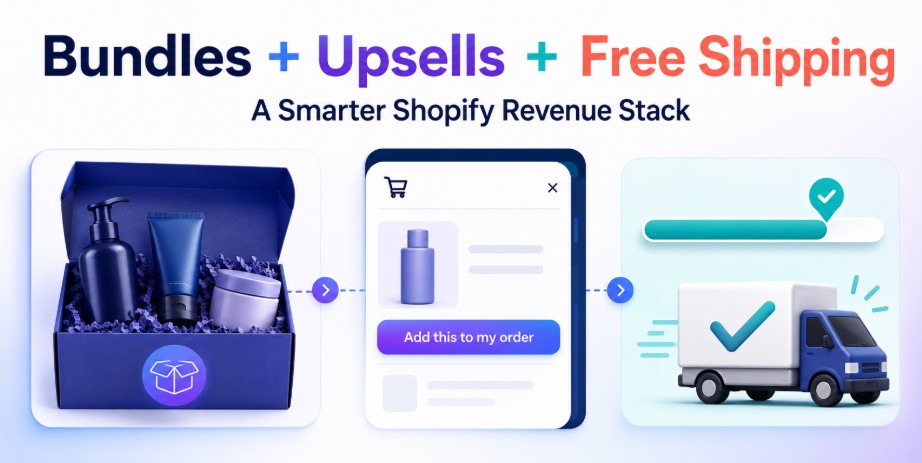
Come combinare pacchetti di prodotti, vendite aggiuntive nel carrello e obiettivi di spedizione gratuita per aumentare le entrate su Shopify
9 luglio 2026
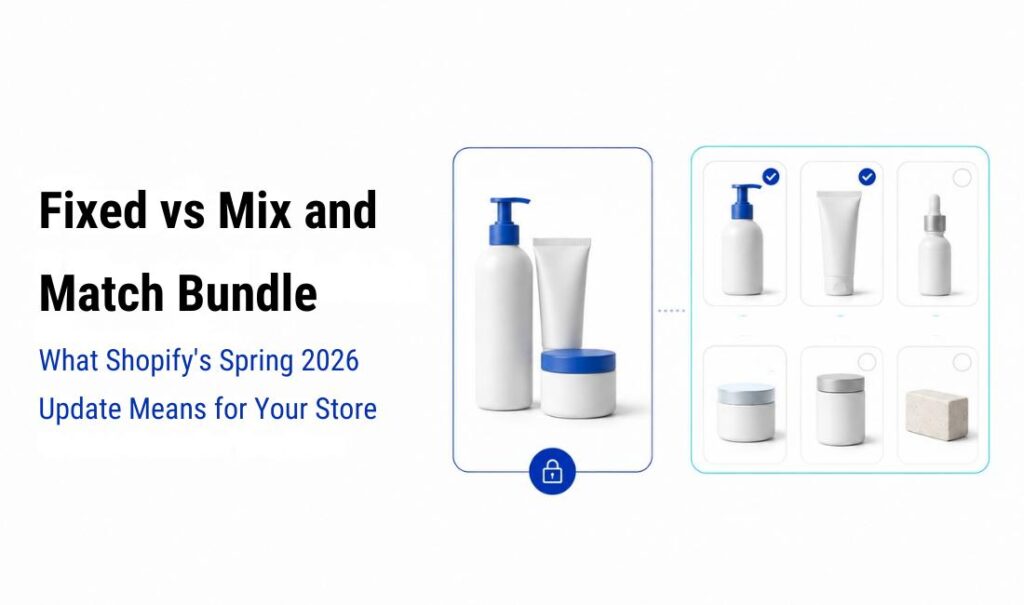
Pacchetti fissi o pacchetti personalizzabili: cosa significa l'aggiornamento di primavera 2026 di Shopify per il tuo negozio
30 giugno 2026

 Italiano
  English
  日本語
日本語  Français
  Deutsch
  Español
  简体中文
简体中文